mirror of
https://github.com/anomalyco/hex.git
synced 2026-11-22 21:23:02 +01:00
 4f3a45e03a
* Screenshots recordings: quality settings, copy as a file, export size (t1607)

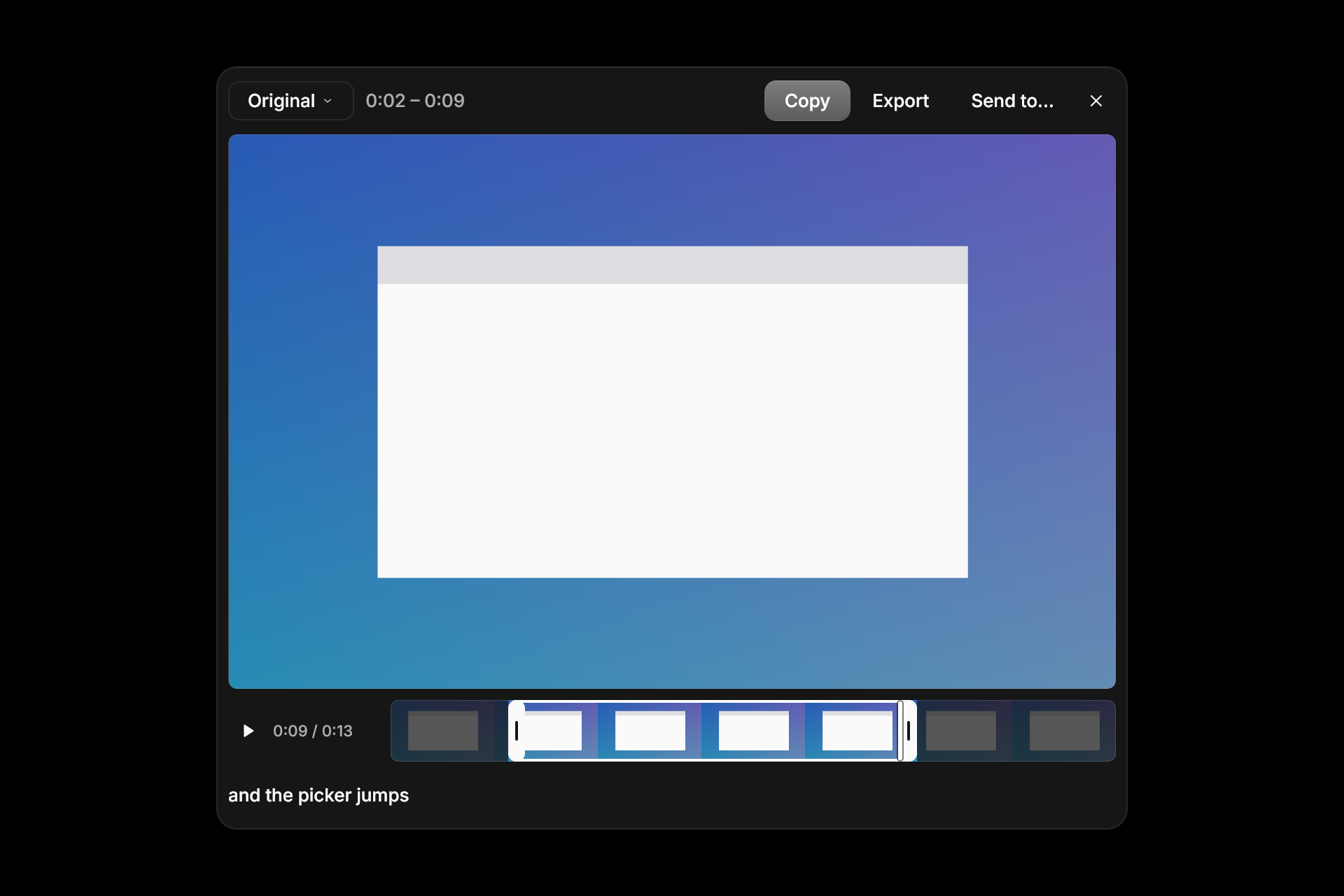
Labs › Screenshots gets a Recording group (Scale Retina to 1x, Max resolution, Frame rate, Quality), each with a hex settings key; defaults 1x, Original, 30 fps, High (HEVC 0.50). The editor copies a recording's movie file, and its export-size pop-up (Original, 1080p, 720p) shows an estimate for the span kept, re-encoding off the UI thread with progress on the pressed button. (t1607)

* Screenshots: ⌘⇧5 recording toolbar with microphone and computer audio mixed into the movie (t1607)

* Screenshots: compact recording toolbar, editor playback and tidier toolbar (t1607)

* Screenshots: simplify the toolbar still, export-size save and playhead tick (t1607)

* docs: the compact recording toolbar and editor playback (t1607)

* Screenshots: filmstrip cells keep the movie's shape; mic-off icon is macOS-only (t1607)

* Screenshots: trim editor goldens for the transport and filmstrip (t1607)

* Screenshots: a trimmed export keeps a whole video track; reencode has a deadline (t1607)

* Screenshots: recording sound isn't silenced; toolbar choices apply at once and save in order (t1607)

* Screenshots: Return and Escape reach an open toolbar menu (t1607)

* Screenshots: a menu-only open of the chosen microphone; no microphone keeps no audio; Annotate may take the record key while the Lab is off (t1607)

* Screenshots: an export lands whole or not at all, and reports only to the recording it came from (t1607)

* Screenshots: keep the exact-device open and partial exports macOS-only (t1607)
38 KiB
1920x1280px
38 KiB
1920x1280px