- Rust 91.2%
- JavaScript 2.3%
- Swift 1.9%
- HTML 1.6%
- CSS 1.5%
- Other 1.5%
| Filename | Latest commit message | Latest commit date |
|---|---|---|
| .github | ||
| assets | ||
| examples | ||
| ios | ||
| screenshots | ||
| scripts | ||
| site | ||
| src | ||
| tests | ||
| .envrc | ||
| .gitignore | ||
| AGENTS.md | ||
| Cargo.lock | ||
| Cargo.toml | ||
| DESIGN.md | ||
| flake.lock | ||
| flake.nix | ||
| LICENSE | ||
| README.md | ||
| rust-toolchain.toml | ||

Stahl Capital

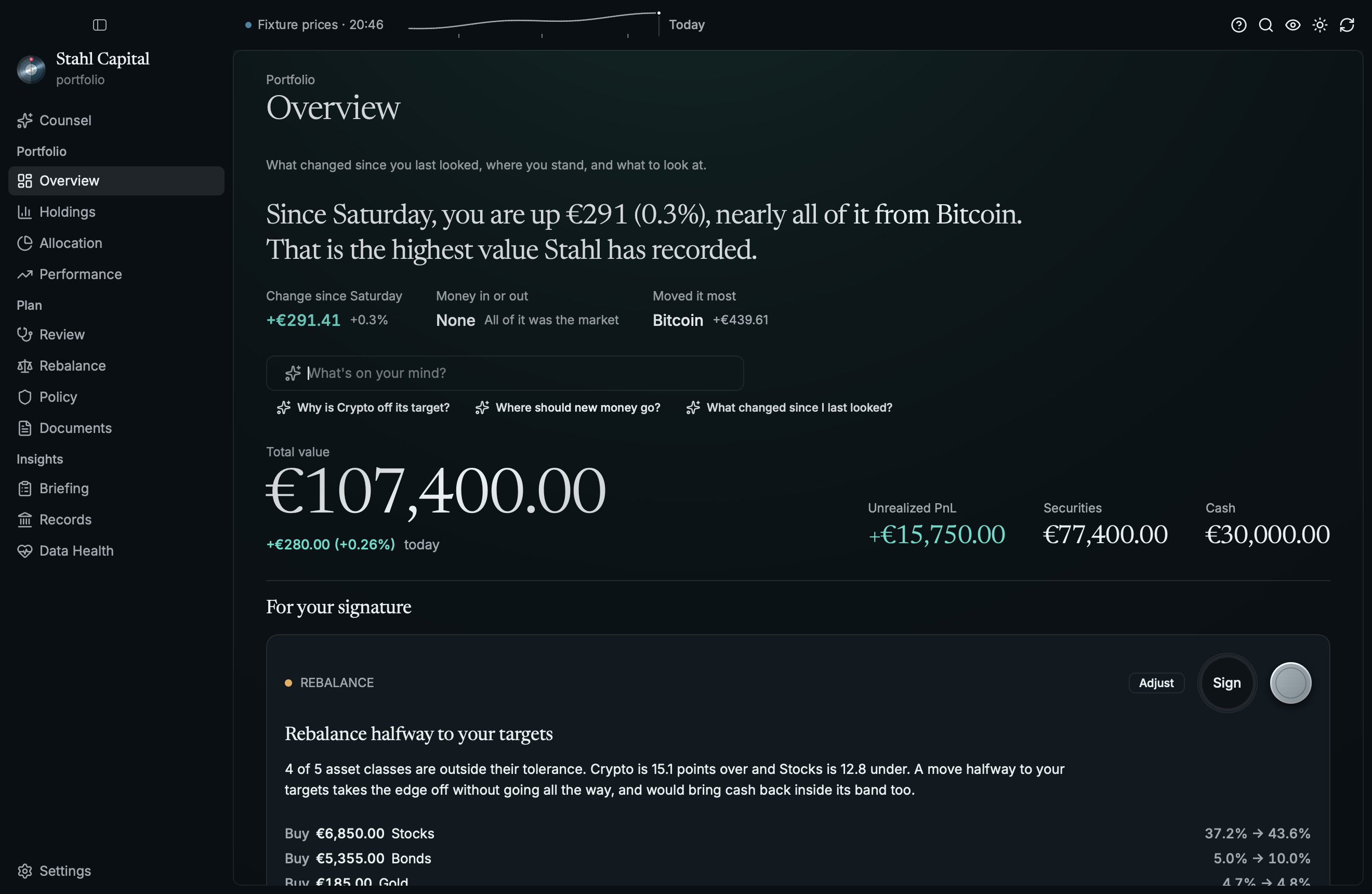
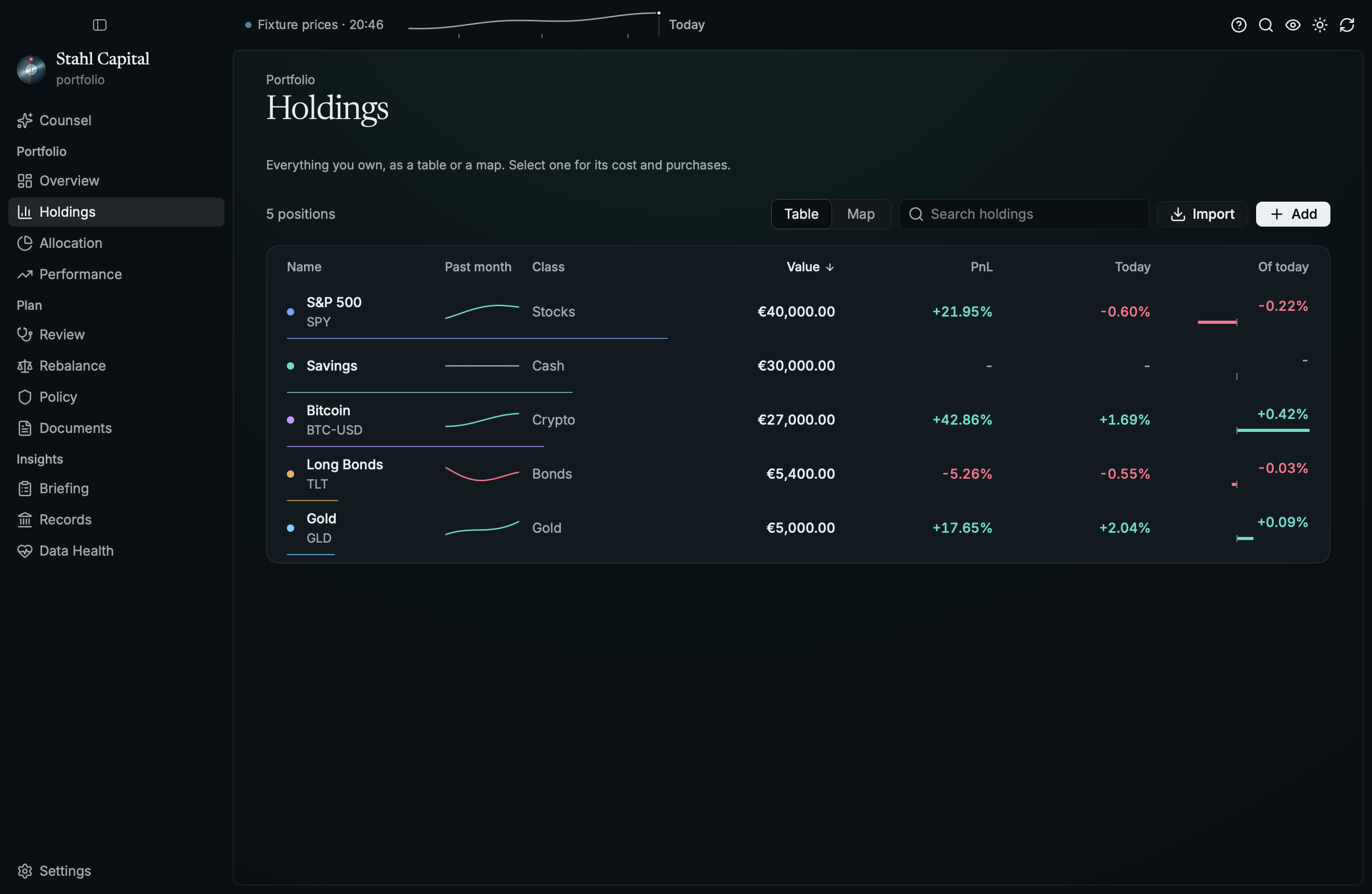
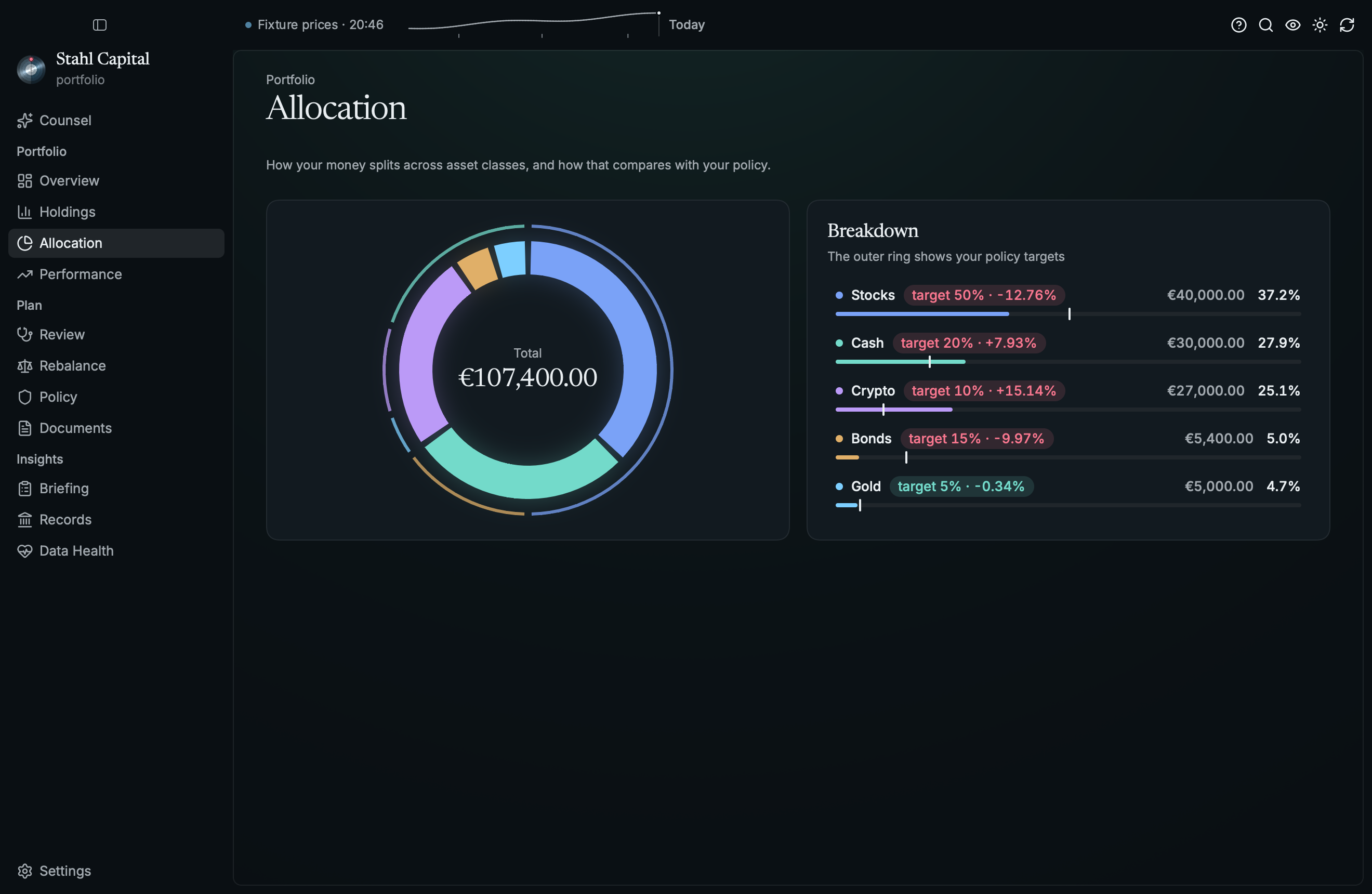
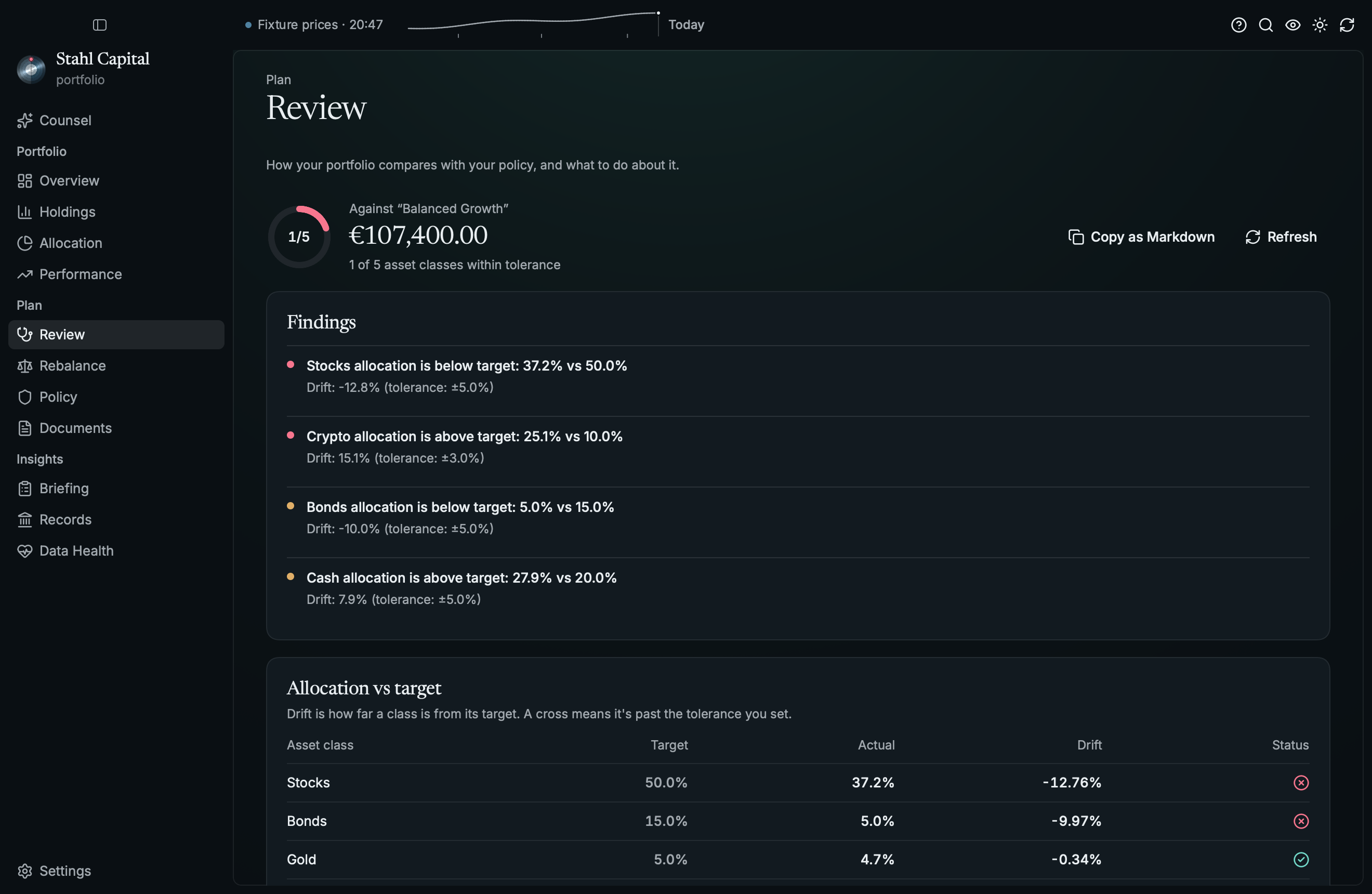
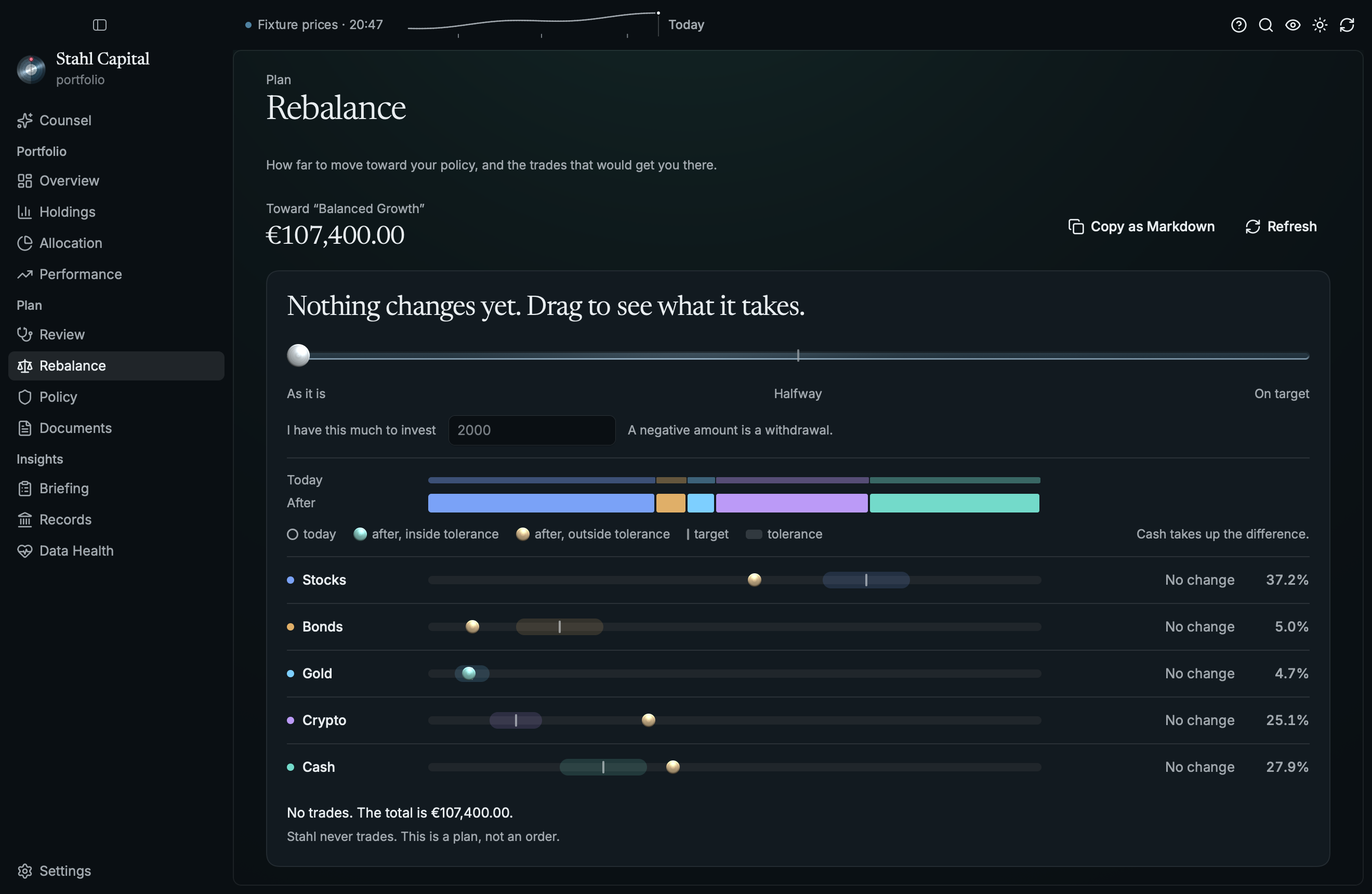
A desktop app for portfolio_rs. Track what you
own, see how it got there, check it against your investment policy, and try out a rebalance before
you do it. Your data stays in plain files on your machine. Written in Rust on
Rune, with no web view. Runs on macOS, Linux and Windows, and
on iPhone and iPad (ios/).
More at zoppelt.net/stahl. It's early, so expect rough edges.
 |
 |
 |
 |
 |
 |
Getting started
Install it with Nix, or grab a .dmg, .deb or Windows .zip from
Releases:
nix run github:MarkusZoppelt/stahl              # try it
nix profile install github:MarkusZoppelt/stahl  # keep it
The macOS build is signed with a Developer ID and notarized by Apple, so it opens like any app. On
Linux you need a Vulkan driver (mesa-vulkan-drivers on Debian and Ubuntu).
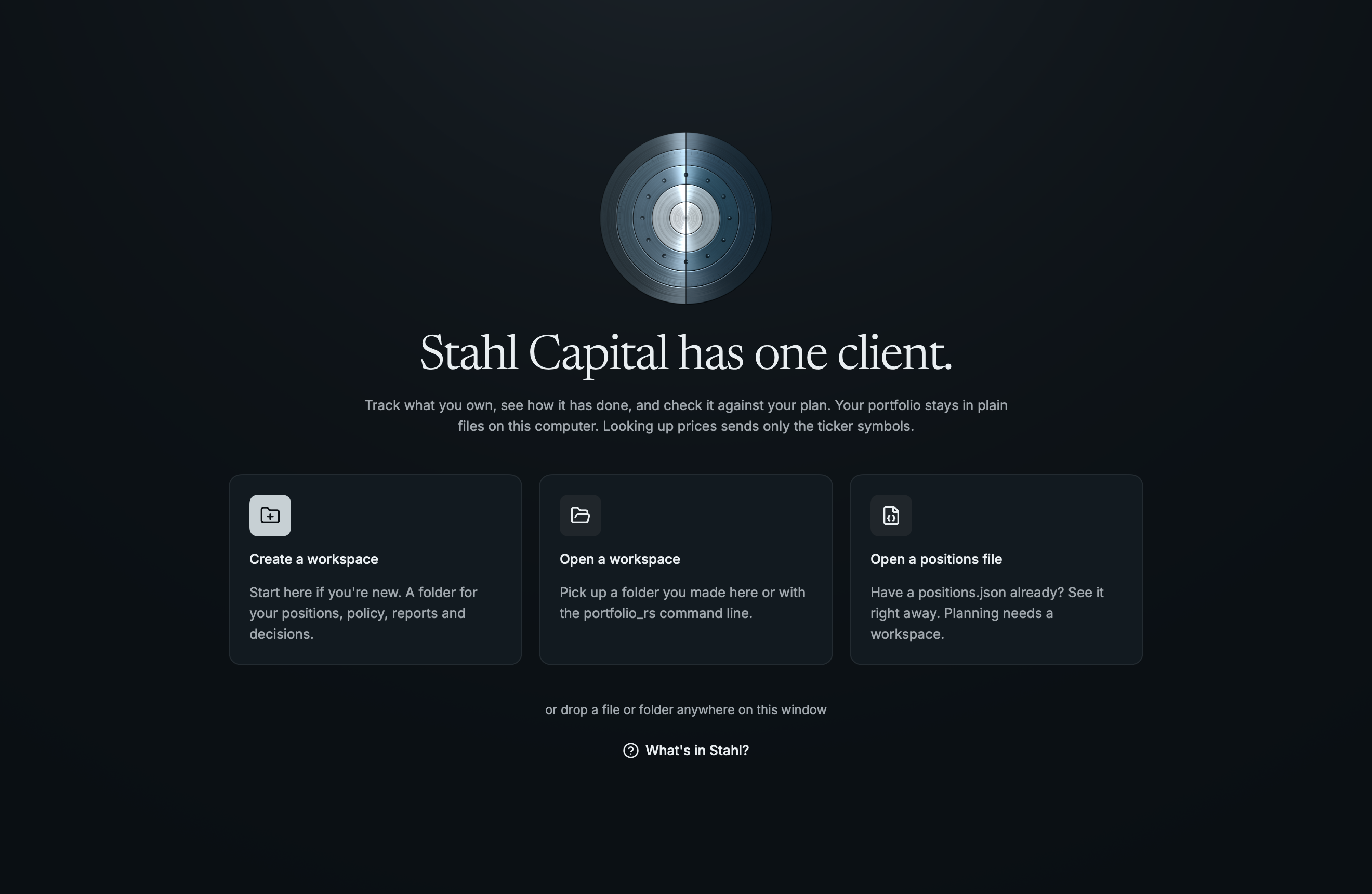
On first launch, create a workspace. That's a folder in the same format as
portfolio_rs init-workspace, with your positions, your policy and its history in it. You can also
open a single positions file (stahl positions.json), but Review, Rebalance, Policy and Documents
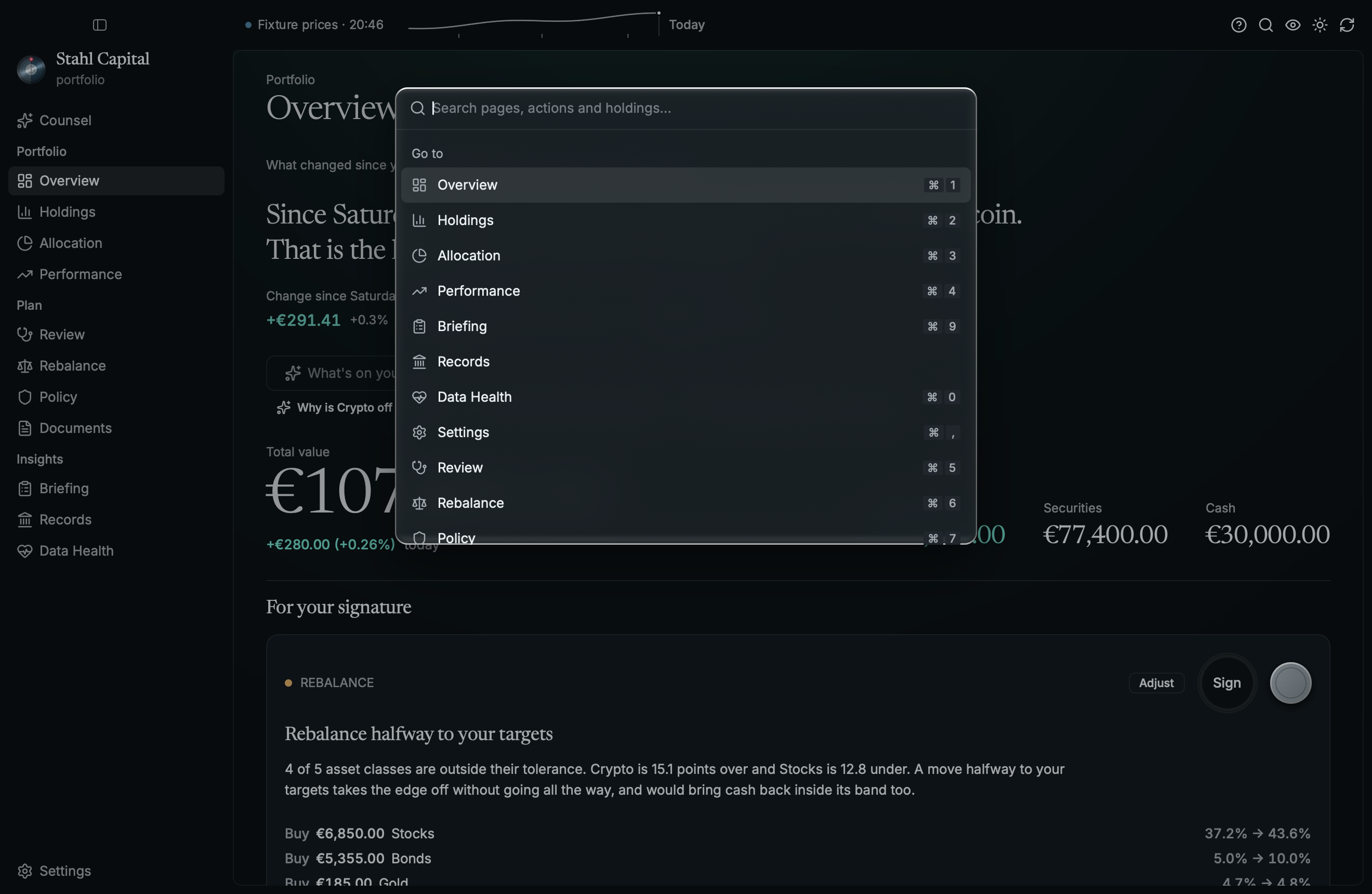
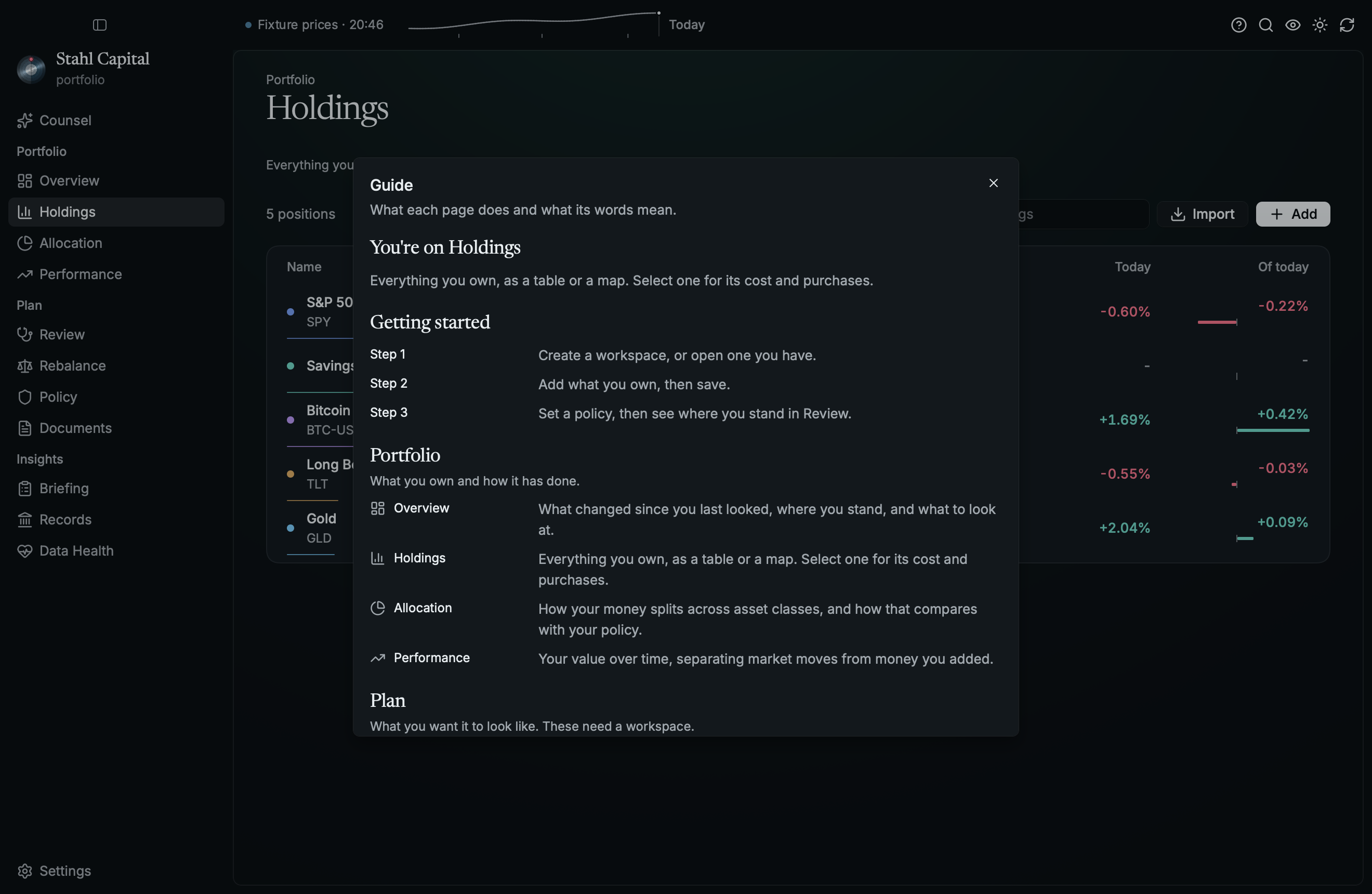
need a workspace. If you're lost, press ⌘/ for the guide, or ⌘K for everything else (Ctrl on
Linux and Windows).
 |
 |
What leaves your machine
- Your tickers, to Yahoo Finance, for prices.
PORTFOLIO_RS_QUOTES=offlinestops that. - Whatever you send an AI provider, if you add one in Settings. There's none by default.
- One request to
api.github.comon launch, to see if there's a newer release. GitHub sees your IP and the version asking, nothing else.STAHL_NO_UPDATE_CHECK=1skips it.
No account, no telemetry. Nothing is downloaded until you say so.
When you do, how it updates depends on how you installed it. The .dmg (Apple Silicon) and the
Windows .zip replace themselves and restart. The .deb is downloaded and checked, and you get the
sudo apt install command to run. Nix, source builds and anything else just get a link to the
release.
Downloads must match the SHA-256 checksum published next to them. That catches a broken download,
not a compromised release, since whoever can replace one can replace the other. On macOS the new
app must also be signed with Stahl's Developer ID, which a tampered release can't forge; the
Windows .zip and the .deb rely on the checksum alone. If that matters to you, verify releases
yourself or use Nix.
History
Stahl records one valuation a day when it opens a portfolio or refreshes prices, if every position
has a price. It writes the same file as portfolio_rs snapshot, so both add to one history:
portfolio/history/main/snapshots.jsonl in a workspace, otherwise
$XDG_DATA_HOME/portfolio_rs/main/snapshots.jsonl (or PORTFOLIO_RS_DATA_DIR). Encrypted (.gpg)
portfolios are never recorded, so their values don't end up on disk in plaintext.
Beside that file, seen.json holds the last two days you opened the portfolio, and nothing else,
so the Overview can say what changed since you last looked. It holds only dates, so it is kept for
encrypted portfolios too.
Building
nix develop          # the pinned toolchain
cargo run
cargo run --example demo   # a made-up portfolio, no network
nix flake check      # what CI runs: build, clippy, fmt, tests
Without Nix, rustup picks up rust-toolchain.toml. Linux also needs
libxkbcommon-dev libwayland-dev to build.
AGENTS.md is the guide to working on it, for people and AI agents alike, and
DESIGN.md is how it looks. Most of the actual portfolio logic lives in portfolio_rs.
To release, bump the version in Cargo.toml, merge, and push a matching tag (v0.4.0).
.github/workflows/release.yml builds the installers and publishes them with their checksums.
The macOS app and disk image are signed with a Developer ID and notarized by rcodesign, and a tag fails without these repository secrets:
DEVELOPER_ID_P12: the Developer ID Application certificate and its key, as a base64.p12DEVELOPER_ID_P12_PASSWORD: the password it was exported withASC_KEY_ID,ASC_ISSUER_ID,ASC_KEY_P8: an App Store Connect API key (the.p8as is)
A pull request always builds ad-hoc signed. A manual run signs and notarizes but publishes nothing.
Every push to main also builds the iPhone and iPad app and uploads it to TestFlight
(.github/workflows/testflight.yml), signed with the Apple Distribution certificate:
DEVELOPER_ID_P12 and DEVELOPER_ID_P12_PASSWORD (the same private key), DISTRIBUTION_CER,
APPSTORE_PROFILE, APPLE_TEAM_ID and the same API key. A missing one fails the run.
License
MIT. See LICENSE.