| Filename | Latest commit message | Latest commit date |
|---|---|---|
 fe81a0f971 Bumps [zip](https://github.com/zip-rs/zip2) from 9.5.0 to 9.5.1. - [Release notes](https://github.com/zip-rs/zip2/releases) - [Changelog](https://github.com/zip-rs/zip2/blob/master/CHANGELOG.md) - [Commits](https://github.com/zip-rs/zip2/compare/v9.5.0...v9.5.1) --- updated-dependencies: - dependency-name: zip dependency-version: 9.5.1 dependency-type: direct:production update-type: version-update:semver-patch ... Signed-off-by: dependabot[bot] <support@github.com> |
||
| .. | ||
| rust | ||
| screenshots | ||
| Shell | ||
| .gitignore | ||
| build-sim.sh | ||
| install-device.sh | ||
| project.yml | ||
| README.md | ||
| testflight.sh | ||
Stahl on iPhone and iPad
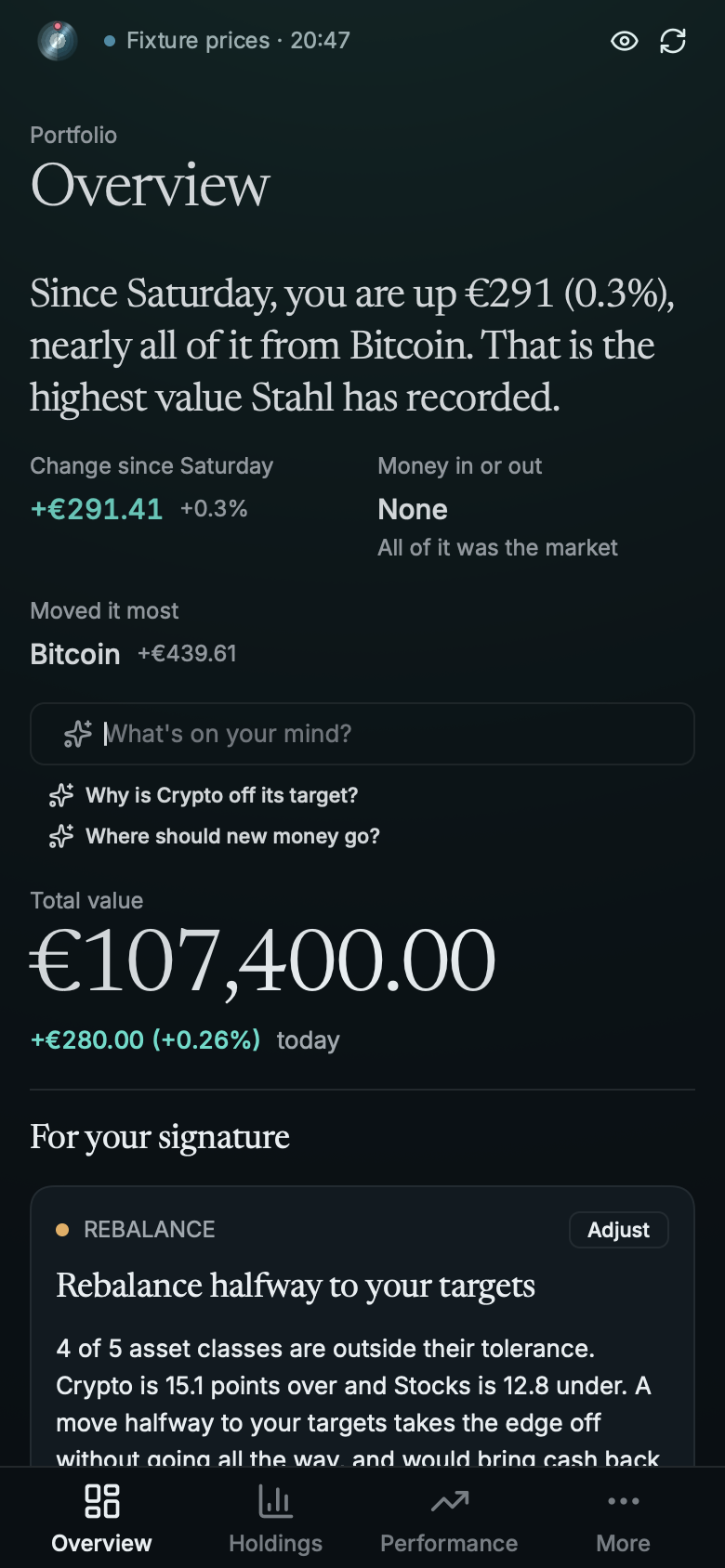
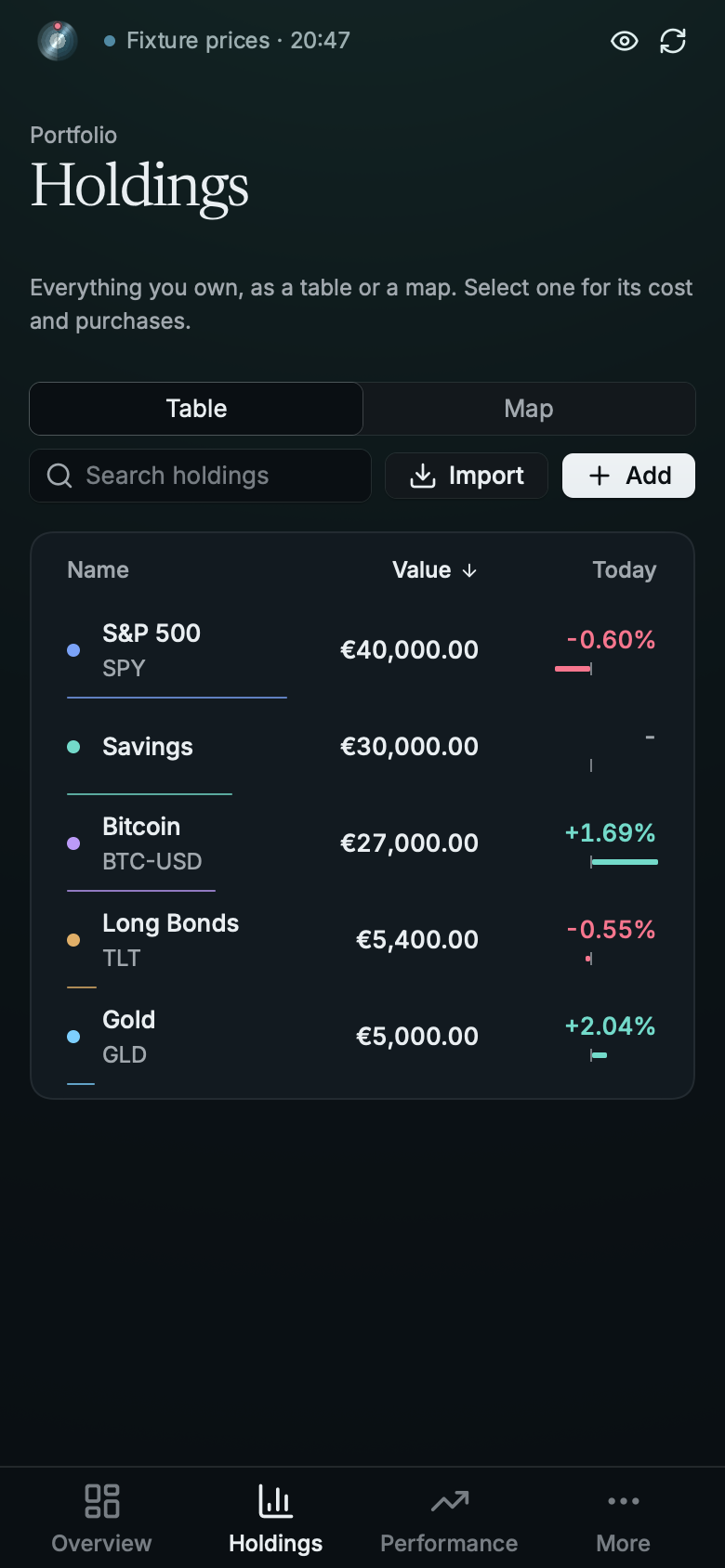
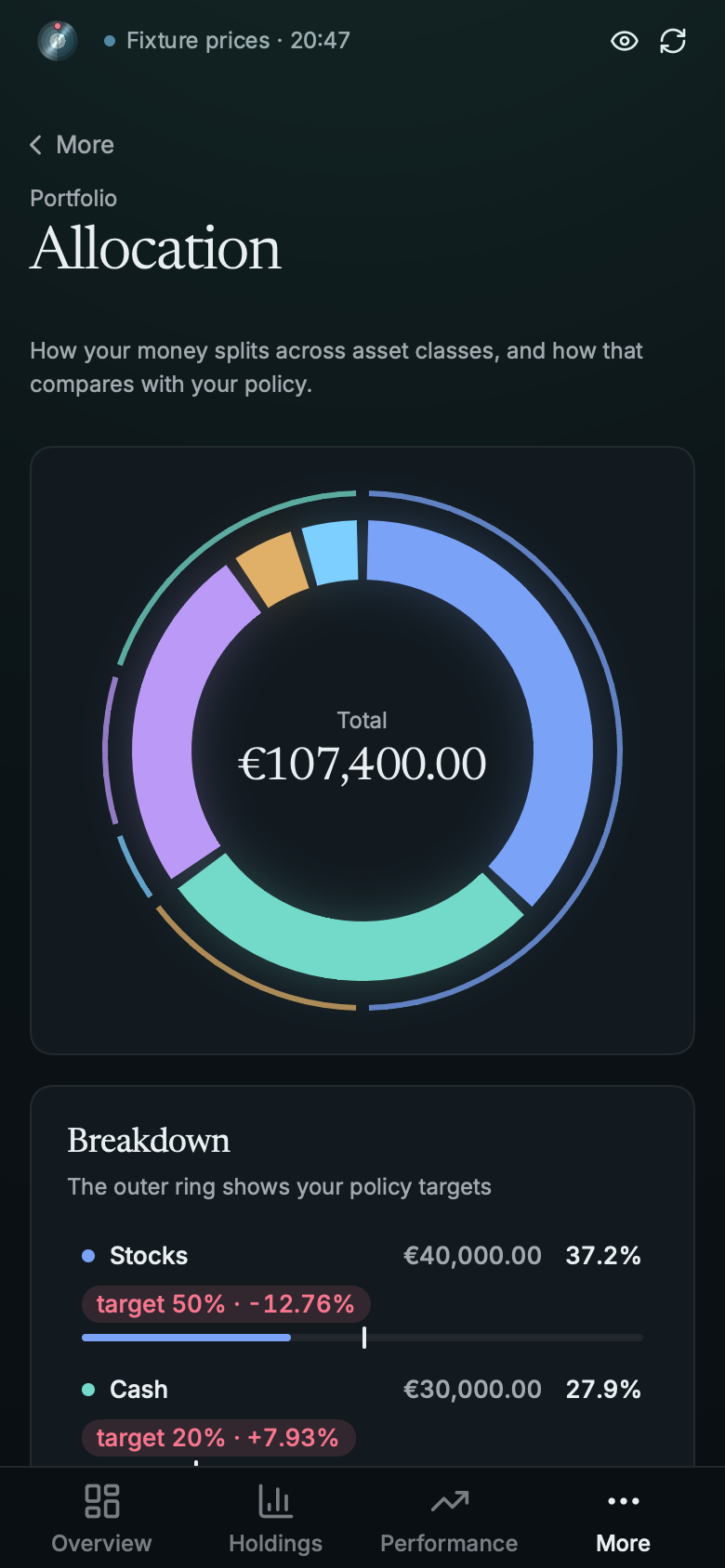
The same app as the desktop: rust/ is a static library that runs Stahl's own State and views
on a Rune LayerHost, and Shell/ is the small UIKit app around it (window, display link, touch,
keyboard, trackpad, Face ID, the document picker). A phone gets its own layout. An iPad gets the
desktop one unless it's in a narrow split view.
 |
 |
 |
rust/ is its own Cargo workspace with its own lockfile. Keep its Rune rev the same as the app's;
scripts/update-rune.sh moves both together.
Simulator
Needs Xcode. The flake's ios shell has the Rust targets:
nix develop .#ios -c ios/build-sim.sh --run [--device "iPad Air 11-inch (M4)"] [--release]
It opens your real portfolio with live prices. To open the demo instead, launch it with
SIMCTL_CHILD_STAHL_IOS_DEMO=1.
simctl can't tap, so the shell plays input from STAHL_IOS_SCRIPT (see play in
Shell/App.swift: wait, tap, drag, type, key, pick <path> and a few more):
SIMCTL_CHILD_STAHL_IOS_SCRIPT="wait 2; tap 346 755" xcrun simctl launch booted net.zoppelt.stahl
To find where to tap, dump a scene's layout at the simulator's view size (402x778 on an iPhone 18 Pro) and look up the bounds:
cargo run --example demo -- --tree /tmp/tree.json --scene phone-holdings --size 402x778
The simulator fakes Face ID through simctl spawn booted notifyutil: enrol with
-s com.apple.BiometricKit.enrollmentChanged 1 then -p the same name, and match with
-p com.apple.BiometricKit_Sim.pearl.match.
A real device
Run this outside the dev shell, with Xcode signed in to your team and the device unlocked and in
Developer Mode. Xcode only signs; the project is generated from project.yml.
ios/install-device.sh <device name or UDID> <team id> [bundle id]
A bundle id belongs to one team, so pass your own if you're not on the default one.
What's different from the desktop
- No self-updates and no file drops. Files come through UIKit's document picker
(
Shell/Documents.swift), which keeps a bookmark so the last portfolio reopens. - Config and single-file history live in the app's
Library/Application Support. A workspace keeps its own. - The shell copies to the system pasteboard for the app, saves unsaved edits when the app goes to the background, refreshes stale prices when it comes back, plays haptics, hides the app behind the vault door in the app switcher, and hides amounts on a shake. With the lock on, Face ID opens it.
- Pull down past the top of a page to refresh, slide a holding's row open on a phone, and swipe from the left edge to go back.
The icon, with its dark and tinted versions, comes from site/render-icons.sh.